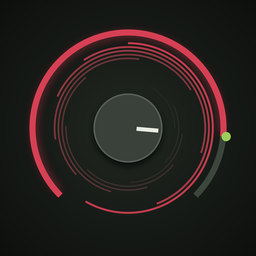
VORTA – Feedback Drone Synth
A feedback drone synthesizer for iPad · Standalone app and AUv3 instrument
About
At the heart of Vorta is a resonating string fed by a whisper of noise. Nothing happens until you turn up the feedback: then the loop wakes up and the sound grows into drones, swells and evolving textures – from deep pads to cinematic horrorscapes.
Saturation, filters, a reverb and a "body" delay all live inside the feedback loop, followed by a tape-style echo whose repeats can saturate on purpose.
Support
I hear no sound
That is how the instrument works: it stays silent until the feedback loop is strong enough. Turn the large red FEEDBACK knob clockwise, past roughly the middle, and the drone will start to grow. Also check the VOLUME knob and your device volume.
How do I use it as a plugin?
Open the Vorta app once after installing it. Then, in any AUv3 host (for example GarageBand or Logic Pro for iPad), add a new instrument track and choose Alessandro Capano: Vorta from the Audio Unit Extensions.
How do I play it with MIDI?
In the standalone app, tap the gear icon at the top right to choose the audio output and enable your MIDI inputs (USB or Bluetooth). As a plugin, MIDI is routed by the host. Notes transpose the string relative to middle C, and the drone keeps ringing after you release the key.
Tips
- Double-tap a knob to reset it to its default value.
- Echo REPEATS above 1 make the echo grow and saturate: lower it to tame the feedback.
- The 1/2 switch halves the echo time instantly, for Doppler-like warps.
Contact
Questions, bug reports or ideas: xainbit@gmail.com